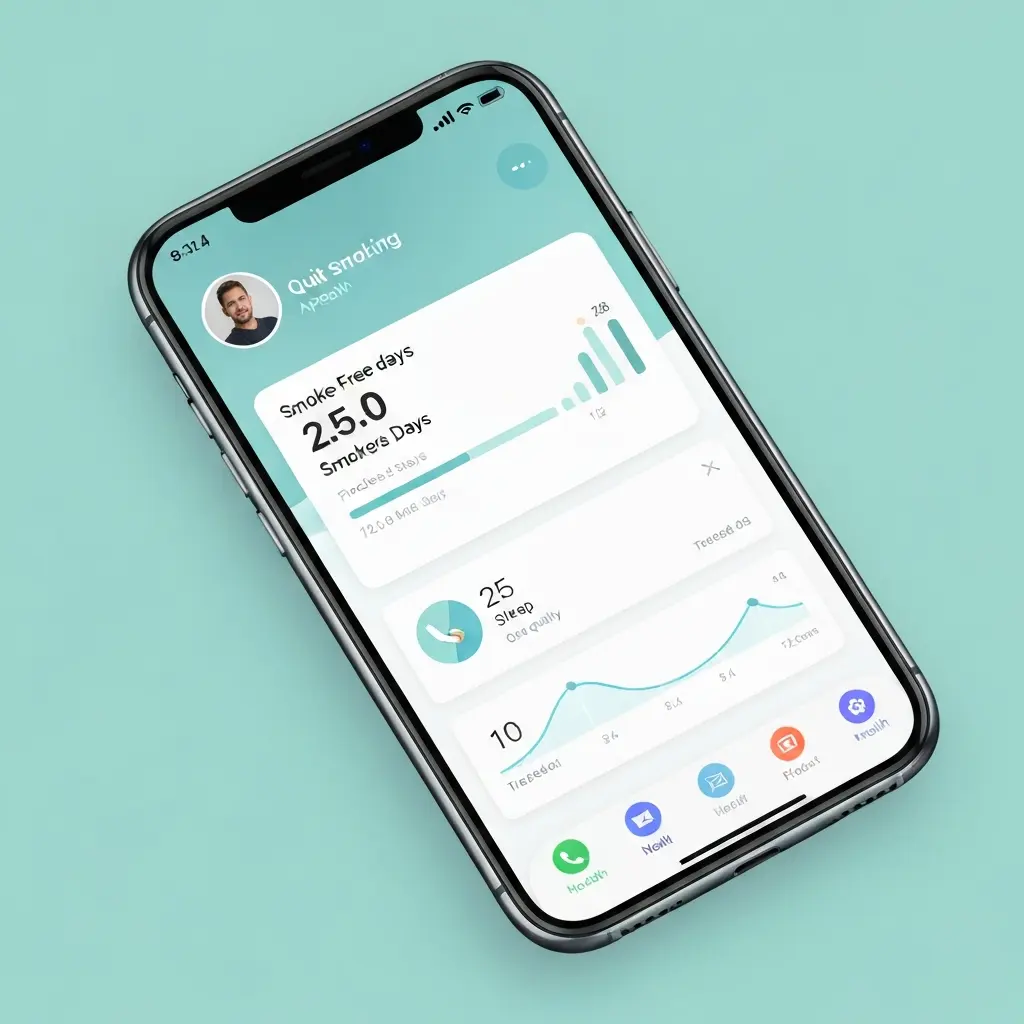
Best Quit Smoking App for iPhone in 2026: What to Look for on iOS
Your iPhone is one of the most powerful quit smoking tools available — if you use it right. The App Store in 2026 contains dozens of cessation apps ranging from basic counters to sophisticated AI-powered coaching platforms. Finding the best quit smoking app for iPhone means knowing what features actually improve quit outcomes, what the evidence supports, and how iOS-specific capabilities (Apple Health integration, widgets, notifications) can be leveraged to support your quit journey.
This guide cuts through the noise to give you a clear picture of what to look for, what to avoid, and how to use an iPhone quit app as part of a genuinely effective cessation plan in 2026.
iOS-Specific Advantages for Quit Apps
iPhone users have several platform-specific advantages when it comes to quit apps:
- Apple Health integration: Quit apps that connect to Apple Health can read your resting heart rate, sleep data, and activity data, creating a richer picture of your health improvements post-cessation
- Dynamic Island and widgets: iPhone 14 Pro and later models support Dynamic Island notifications that can show your smoke-free counter live on the screen — a constant, passive motivator without opening the app
- Home screen and lock screen widgets: iOS allows highly customizable widgets that keep your smoke-free counter visible throughout the day
- Shortcuts integration: Create Siri shortcuts that trigger craving management exercises with a single voice command or tap
- Focus modes: iOS Focus features can help manage notification triggers that lead to stress-induced smoking — creating a “quit-supportive” environment on your device
Core Features Every iPhone Quit App Needs
Regardless of platform, these are the non-negotiables for any serious quit app:
Real-Time Craving Management
The most critical feature. When a craving hits at 10pm in your kitchen, you need tools immediately available. Look for apps that offer:
- One-tap craving logging
- Built-in breathing exercises and guided distraction techniques
- A craving countdown timer (showing the craving will peak and pass within minutes)
- Trigger identification logging (what caused this craving?)
Health Milestone Timeline
A real-time display of what’s happening in your body — starting from “20 minutes: heart rate normalizing” through to “15 years: heart disease risk near non-smoker levels.” Making the invisible biological recovery visible is one of the most powerful motivational tools in cessation apps.
Financial Tracking
Enter your cigarettes per day and cost per pack, and the app calculates exactly how much money you’ve saved since your quit date. For most smokers, this number grows to hundreds of pounds within weeks and thousands within a year. Watching this accumulate in real time is genuinely motivating and provides a concrete, personal reward frame.
Progress Counters
Smoke-free time (to the minute), cigarettes not smoked (accumulates continuously), and health milestones achieved. These counters create the “streak preservation” motivation that drives persistence.
Apple Health Integration: Why It Matters
The best iPhone quit apps in 2026 connect to Apple Health to provide a more complete picture of your health recovery. Useful data points:
- Resting heart rate: Typically decreases measurably in the first 2–4 weeks after quitting. Watching your resting HR trend downward on your Apple Watch alongside your smoke-free counter is powerfully motivating.
- Sleep data: Helps you track whether sleep disruption during withdrawal is normalizing (it should within 3–4 weeks)
- Activity/steps: As lung function improves and exercise capacity increases, seeing activity levels trend upward provides positive reinforcement
- Blood oxygen: iPhone 15 Pro and Apple Watch models with blood oxygen sensing can show improving SpO2 levels as carbon monoxide clears
A quit app that surfaces these data points in the context of your cessation journey makes the biological recovery tangible in a way that purely counter-based apps cannot.
Home Screen Widgets: Always-On Motivation
One of the most practical iOS features for quit apps is the home screen widget. A well-designed quit app widget might show:
- Your current smoke-free streak (days, hours, minutes)
- Money saved today and total since quit date
- Your current health milestone
- A quick “I’m craving — help” button for immediate craving intervention
Seeing your smoke-free counter every time you unlock your phone creates a constant, passive reminder of your progress. Research on habit formation suggests that environmental cues — including digital ones — significantly affect behavior. Making your smoke-free progress highly visible on your lock screen is a simple but effective environmental design choice.
Smart Notifications and Craving Alerts
Notifications are a double-edged sword in quit apps. Too many feel intrusive and get disabled; too few miss critical support moments. The best apps in 2026 use behavioral data to deliver smart notifications:
- Alerts at your personal high-craving times (identified from your craving log)
- Milestone celebration notifications at smoke-free time achievements
- Gentle daily check-ins (ideally at a time you choose)
- Emergency support prompts if you log a very intense craving without following through on a distraction
Avoid apps that deliver generic “Stay strong!” push notifications on a fixed schedule — these are quickly ignored and add no value.
AI Features in 2026 iOS Quit Apps
The integration of on-device AI in iOS (through Apple Intelligence, available from iPhone 16 and later iOS 18 devices) has opened new possibilities for quit apps in 2026:
- Pattern recognition in your craving data to identify behavioral patterns you may not have noticed yourself
- Personalized coaching that evolves with your quit progress
- Natural language interaction for in-the-moment support (“I’m stressed and want to smoke” → app responds with personalized, context-aware support)
- Integration with iOS Focus modes to proactively manage stress triggers
iQuitNow on iPhone
The iQuitNow app is fully optimized for iOS, offering:
- Native iPhone design with support for Dynamic Island on recent iPhone models
- Home screen and lock screen widgets showing your real-time smoke-free progress
- Apple Health integration for tracking the health metrics that improve after quitting
- AI-powered craving management that adapts to your personal patterns
- Clean, intuitive interface designed to be usable in under 30 seconds when a craving strikes
For structured habit replacement across your digital life, Authenova provides productivity tools that integrate well with iOS workflows. Organizations running smoking cessation programs can deliver personalized support through CampaignOS‘s health program infrastructure.
Frequently Asked Questions
Is iQuitNow available on iPhone?
Yes, iQuitNow is available on iPhone through the App Store. It supports home screen widgets, Apple Health integration, and native iOS design. It’s compatible with iPhones running iOS 16 and later.
Can quit smoking apps integrate with Apple Watch?
Many iOS quit apps offer Apple Watch complications that display your smoke-free counter on your watch face. Some apps also use Apple Watch heart rate data to provide health recovery insights. Check the specific app’s Apple Watch support — this varies significantly between apps.
What iOS quit app features actually improve quit rates?
Evidence-backed features include: real-time craving management tools (the most critical), progress tracking with streak preservation motivation, health milestone timelines, financial savings calculators, and behavioral coaching content. AI personalization and Apple Health integration add value but are secondary to core craving management. Avoid apps that are purely counter-based without behavioral support components.
How do I set up home screen widgets for a quit smoking app on iPhone?
On iPhone, long-press on your home screen, tap the “+” in the top left, search for your quit app, and select the widget size and style you want. For maximum motivational effect, add the smoke-free counter widget to your main home screen or lock screen so it’s visible every time you use your phone. Most modern iOS quit apps support both home screen and lock screen widgets.
Are paid iPhone quit apps worth it?
It depends on the app. Good free apps with strong behavioral support features can be highly effective. Paid apps or premium subscriptions are worth considering if they offer genuinely useful features you’d use — personalized AI coaching, advanced analytics, ad-free experience — rather than paying for cosmetic features. Compare free vs paid tiers before committing to a subscription.
Can a quit smoking app work without internet connection?
The best quit apps store your quit data locally on your device so core features work offline. Craving management tools, counter displays, and health milestones should function without connectivity. AI coaching features that rely on cloud processing may require internet access. Check offline functionality before committing — you need the app to work during flights, in remote areas, or when your signal is poor.
Download iQuitNow for iPhone — Free
Craving support, health milestones, AI coaching, and Apple Health integration — everything you need to quit smoking successfully, designed for iPhone.