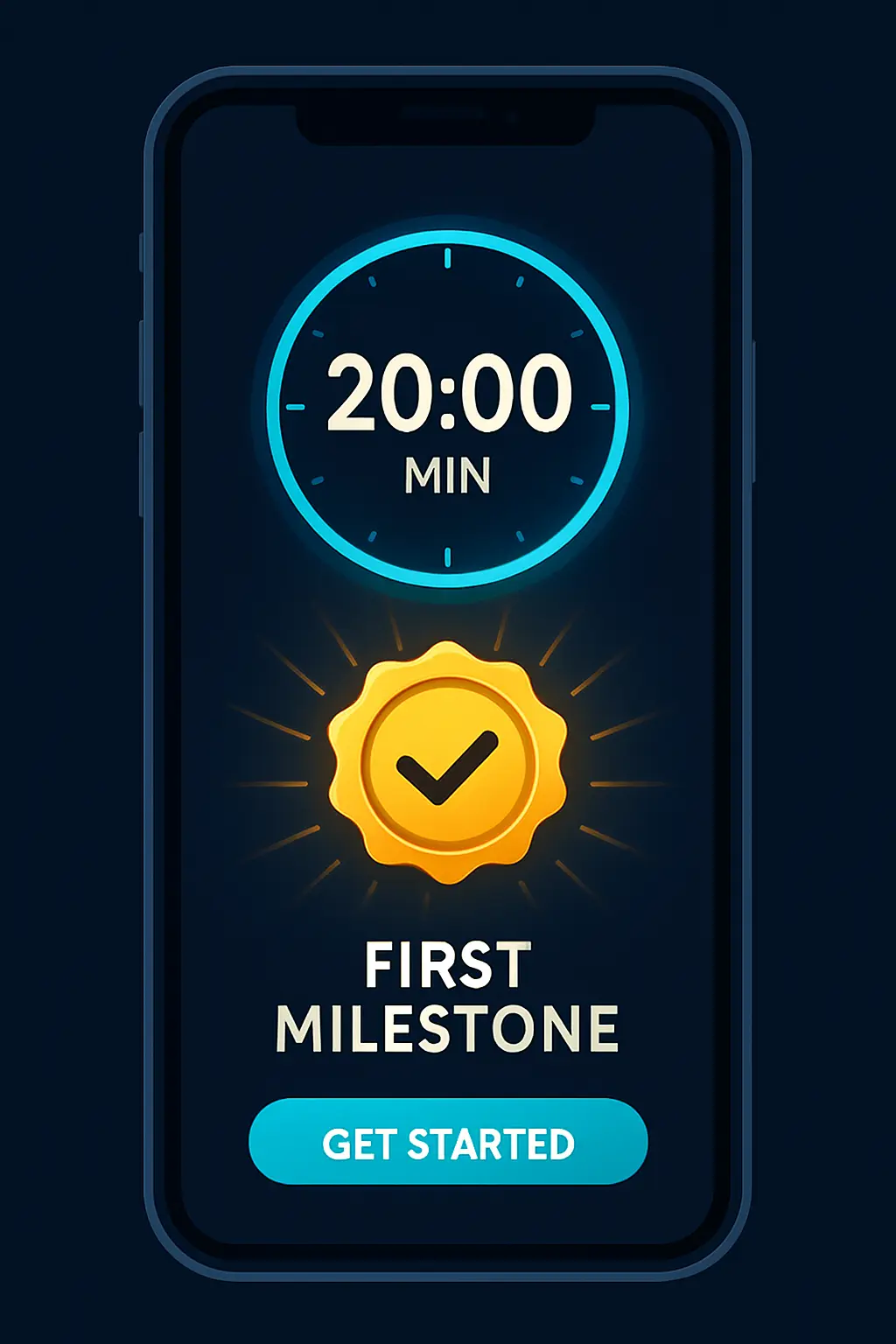
There’s a satisfying coincidence in iQuit’s setup: it takes about 20 minutes — and 20 minutes after your last cigarette is when your heart rate starts dropping. Set the app up right after stubbing out the last one, and your first milestone unlocks while you’re still choosing settings. Here’s the complete walkthrough from Google Play to a fully-armed quit, including the three settings worth changing on day one.
Minute 0–3: install and sign in
Download iQuit free from Google Play, then sign up with email or Google. Worth knowing: the app is offline-first — after setup, everything from the SOS tools to your logs works without a connection and syncs later, so a subway or a dead spot never takes your defenses down.
Minute 3–8: your quit profile (be honest — it’s the math)
Cigarettes per day, price per pack, years smoking, currency. This isn’t a survey; it’s calibration. Your answers power the money-saved counter (at your prices), the life-regained tally (11 minutes per avoided cigarette), the 15 health milestones’ timing, and the dependence-aware pacing of the plan. Undercounting your smoking here only mis-tunes your own dashboard — the app doesn’t judge; it computes.
Minute 8–12: choose your approach and quit date
Four paths: cold turkey (quit date = now or chosen day), gradual reduction (daily limits stepping down), scheduled reduction (time-based tapering) or harm reduction. The app builds a phase-based plan with day-by-day actions around whichever you pick — and the honest guidance is: cold turkey suits decisive quitters and short timelines; gradual suits heavy dependence and past cold-turkey blowups. If you’re prepared (supply purged, quit-day checklist run), today is a fine quit date.
Minute 12–16: rehearse the SOS — before you need it
Onboarding walks you through one guided breathing drill: three cycles, 4 seconds in, 4 out. Do not skip this. The entire point is rehearsal — a tool you’ve used once in calm fires automatically in panic, and your first real craving is probably arriving today. While you’re there, note the trigger options: the SOS flow opens from the emergency tab or by shaking the phone.
Minute 16–20: first journal line, first milestone
Write one line in the journal — ideally your reason for quitting, in your own words (day-10 you will want to read it). That entry also starts the habit that recharges your streak shields. And by now, check the milestones screen: if you set up right after your last cigarette, the 20-minute heart-rate milestone is unlocking as you watch — your first concrete proof, delivered before you’ve even closed the app.
Three settings worth changing on day one
- Notifications: all six categories are individually toggleable — keep milestone alerts and craving support on; tune the rest to taste. Quiet hours (22:00–08:00) are respected by default.
- Language: English and Italian, switchable in settings.
- The Premium trial decision: the 7-day free trial covers unlimited AI coaching, forecasts and challenges — deliberately enough to run the 7-Day Shield challenge through your hardest week. Start it on quit day for maximum coverage, or run free-tier first; the core toolkit stays free either way.
FAQ
How long does setup take?
About 20 minutes — conveniently, the exact time to your first milestone if you start right after your last cigarette.
Does iQuit work offline?
Yes — offline-first by design; everything works without a connection and syncs later.
Which quit approach should I pick?
Decisive + prepared → cold turkey; heavy dependence or past blowups → gradual reduction. The app plans around either.
Is the setup free?
Entirely — profile, plan, SOS, milestones, journal and community are the free core.
Twenty minutes from now, your first milestone: download iQuit free on Google Play and start the clock.