If you have been waiting for a quit smoking app for iPhone that does more than count days, iQuit arrived on the App Store on 14 September 2026. It is free to download, it works on iPhone and iPad, and it is built around one idea: the moment a craving hits, you should not have to go looking for help. This page explains what the iOS app actually does, what you get without paying, what the optional upgrade adds, and how to set it up on the day you install it.
iQuit on iPhone at a Glance
The iOS listing is new, so it is worth being precise about what is on it. Everything in the table below was read directly from the App Store listing on 16 September 2026.
| Item | What the listing says |
|---|---|
| Name | iQuit: Stop Smoking & Quit |
| Price | Free, with in-app purchases |
| Released | 14 September 2026, version 1.0 |
| Requires | iOS 15.1 or later |
| Devices | iPhone, and designed for iPad |
| Size | About 42 MB |
| Category | Health & Fitness |
| Language | English |
| Ratings | None yet, in the US or the UK storefront |
That last row matters, and it is the honest thing to lead with. A listing published in mid-September 2026 has not had time to collect reviews, so there is no star rating to point at on either store. Judge it on what it does, not on a number. If you would rather see how the field compares before you commit, our round-up of how iPhone quit apps compare ranks the established names, and the wider 2026 app round-up covers both platforms.
Before the setup steps, this short NHS Grampian explainer covers what actually changes in your body once you stop.
Setting Up Your Quit in 10 Minutes
Most people install a quit app, tap through three screens and never come back. The setup below takes about ten minutes and is what makes the rest of the app useful, because every number you see later is calculated from it.
- Pick your method. iQuit supports quitting outright or reducing gradually. Choose the one you will actually follow, not the one that sounds braver.
- Set your quit date. If you are quitting today, that is today. If you are building up to it, pick a real date rather than a vague soon. Our guide to setting a quit date that sticks covers how to choose one.
- Enter your baseline. Cigarettes a day, cigarettes per pack and what a pack costs you. Use your real price, not a national average, or the savings figure will be fiction.
- Choose your currency. The savings counter is multi-currency, so set yours before day one rather than converting in your head later.
- Set a savings goal. Something you would genuinely buy. An abstract total is easy to ignore; a specific thing is not.
- Tune your notifications. Decide now how much the app is allowed to interrupt you. You can change this later, and you should if it starts to grate.
One habit is worth building from the first day: log cravings as they happen, with the trigger and how strong the urge was. That log is what turns the app from a counter into something that can tell you where your risk actually sits.
The Dashboard: Days, Cigarettes Avoided, Money Saved
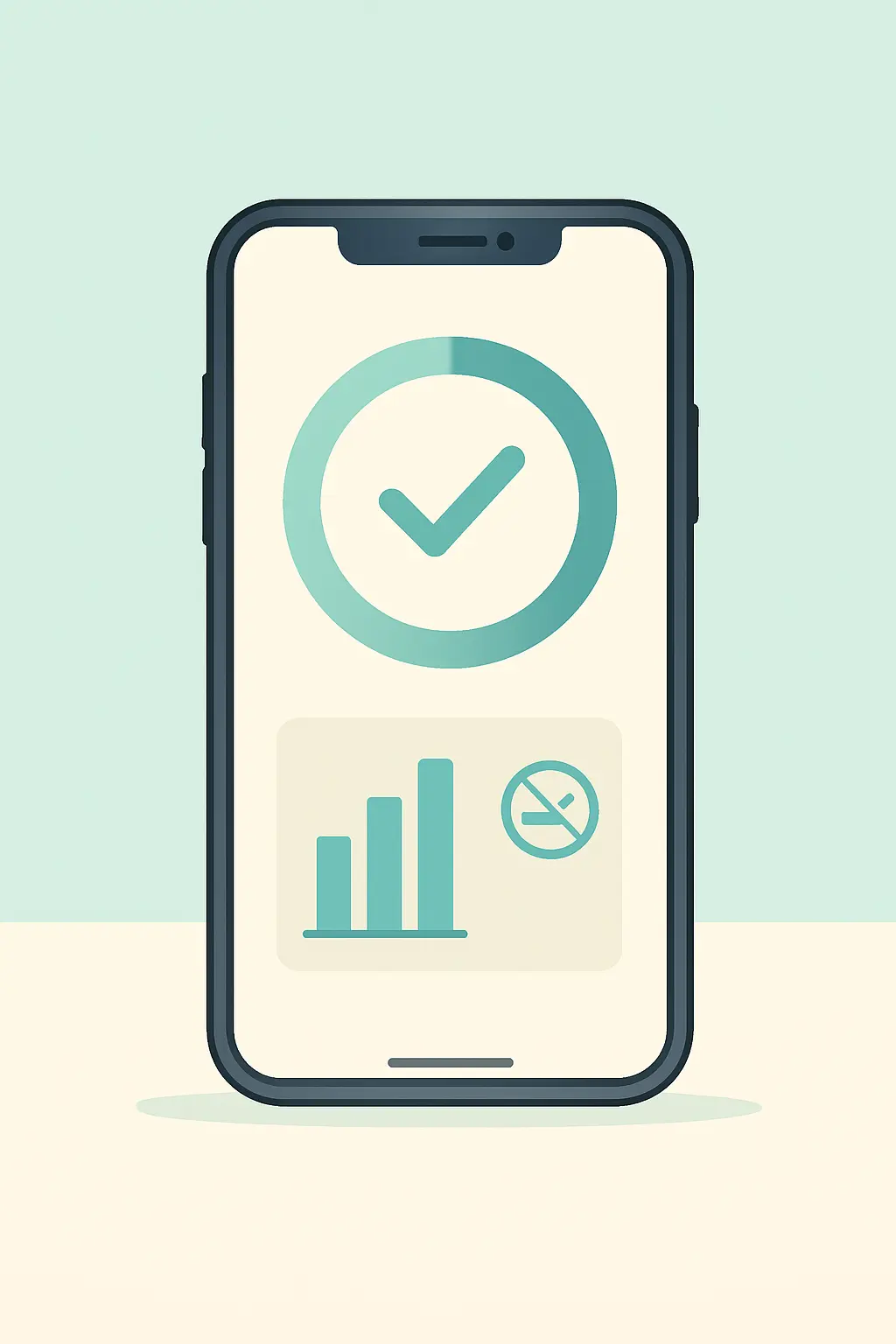
The home screen is a real-time dashboard rather than a static counter. It shows how long you have been smoke-free, how many cigarettes you have not smoked since your quit date, and what that has saved you in your own currency, along with the health gains stacking up behind it.
Three things make that more useful than it sounds. The counter runs from your quit date rather than from the moment you installed the app, so a quit that started last month still counts. The savings figure is built from your own pack price, so it is your money rather than a generic estimate. And the savings goal turns an abstract running total into a specific thing you are getting closer to.
Numbers alone do not keep anyone quit, but they do give you something to look at when motivation dips at two in the afternoon on day nine. If you want the wider picture of what tracking does and does not achieve, we have collected what the research says about quit apps.
Where the Health Timeline Comes From
iQuit shows a recovery timeline as you go. The milestones themselves are not the app’s invention, and you should be able to check them against a health service rather than an app store description. Here is what the NHS and the CDC publish.
| Time since your last cigarette | What the health services say happens | Source |
|---|---|---|
| 20 minutes | Your pulse rate starts to return to normal | NHS |
| 8 hours | Oxygen levels are recovering and carbon monoxide in your blood has halved | NHS |
| 24 hours | Nicotine in the blood drops to zero | CDC |
| 48 hours | Carbon monoxide is down to a non-smoker’s level; taste and smell start improving | NHS |
| 72 hours | Bronchial tubes begin to relax and energy increases | NHS |
| 2 to 12 weeks | Circulation improves | NHS |
| 3 to 9 months | Coughs and wheezing improve as lung function rises by up to 10% | NHS |
| 1 year | Risk of heart attack is halved compared with a smoker’s | NHS |
| 5 to 10 years | Risk of cancers of the mouth, throat and voice box drops by half | CDC |
| 10 years | Risk of death from lung cancer is halved compared with a smoker’s | NHS |
| 15 years | Coronary heart disease risk falls close to that of someone who does not smoke | CDC |
Sources: NHS Better Health, Quit smoking and CDC, Benefits of Quitting Smoking. The CDC also states that quitting reduces the risk of premature death and can add as much as ten years to life expectancy. Those are the figures worth holding on to on a hard day, and they apply whichever app you use, or none at all.
SOS Tools for the Moment a Craving Hits
A craving does not wait for you to find the right screen. The listing groups iQuit’s crisis support into four things: breathing exercises, grounding techniques, distraction tips and craving timers. The app also gives you direct access to a quit support helpline.
The craving timer is the one people underestimate. Urges rise and fall rather than climbing forever, and watching a timer run while you breathe gives the wave something to break against. Grounding works the same way, by pulling your attention into the room instead of into the argument in your head.
Every craving you log with a trigger and an intensity also builds a record. Over a fortnight that record starts to show a shape: the hour, the place and the company that make it hard. In iQuit that log feeds craving forecasts that nudge you ahead of your riskiest windows rather than after them.
Want it on your phone before the next craving? iQuit is free on the App Store and on Google Play. Set your quit date, your pack price and your currency, and the counters start from there.
The AI Coach and Daily Missions
Two features carry the day-to-day work between cravings. The AI coach adapts to your progress rather than reading from a fixed script, and it is there at any hour, which matters because three in the morning is when most people have nobody to talk to about this.
The daily mission system is the quieter half. Smoking occupies specific slots in a day, and removing it leaves those slots empty. Missions fill them deliberately: something reflective in the morning, a breathing pause in the afternoon, something calming in the evening. Badges and milestones sit on top, along with a craving journal that tracks mood over time beside the urges themselves.
None of this is a substitute for a stop smoking adviser or a prescription. It is the layer that covers the twenty-three hours a week when nobody professional is available. If you want to see how that stacks up against the established apps, we put it head-to-head against the big names, and the feature-by-feature rankings go through it line by line.
Free Versus Premium
iQuit is free to download and the App Store listing states that it contains in-app purchases. The table sets out where the line falls.
| Free | Premium |
|---|---|
| Real-time dashboard: days smoke-free, cigarettes avoided, money saved | Unlimited AI coach messages |
| Craving journal with triggers, intensity and mood | Advanced craving analytics |
| SOS tools: breathing, grounding, distraction tips, craving timers | Custom quit-plan generation |
| Daily missions, achievements and milestones | Structured challenges such as the 7-Day Shield and 21-Day Habit Breaker |
| Health recovery timeline and savings goals | Smart craving-prevention alerts |
| Community: success stories, challenges and support groups | Accountability circles |
| AI coach with free daily messages | Seven-day free trial before you are charged |
The practical advice is to spend a fortnight on the free version first. If you find yourself wanting the coach more often than the daily allowance, or you want the analytics behind your own craving pattern, the upgrade has something to offer. If you are mostly using the counters and the SOS tools, it does not. Check the current price on the App Store page in your own currency before you subscribe, and read our take on whether Premium is worth it first.
Privacy, Offline Use and Your First Week
Two things are worth knowing before you start. The App Store listing links to the app’s privacy policy and terms, and it is a two-minute read that is worth doing rather than skipping, as it is for any health app you let watch your habits. And the app is built to work offline, which matters more than it sounds: cravings turn up on the underground, on a plane and in the one corner of the office with no signal. We go into that design choice in why offline-first matters.
It is equally worth being clear about what iQuit does not do. It does not connect to Apple Health, an Apple Watch or any other device, it does not remind you to take medication, and it does not replace a stop smoking service, a prescriber or a helpline. It is a tracking and craving-support tool that sits alongside those things.
- Day 1. Finish the setup honestly, including your real pack price, and log every craving.
- Day 2 to 3. Use the SOS tools rather than willpower. This is when nicotine withdrawal peaks for most people.
- Day 4 to 7. Read your own craving log. Look for the hour and the situation that repeat.
- End of week 1. Turn the two worst triggers into a plan, and adjust notifications if they are annoying you rather than helping.
- If you slip. Log it and keep going. A slip is information about a trigger, not a verdict on the attempt.
iQuit for iPhone FAQ
Is iQuit available on iPhone?
Yes. iQuit: Stop Smoking & Quit was released on the App Store on 14 September 2026 and is free to download. The listing shows version 1.0, a download of about 42 MB, and support for iPhone as well as iPad (App Store listing, checked 16 September 2026).
Which iOS version does iQuit need?
The App Store listing states that iQuit requires iOS 15.1 or later. It is listed as designed for iPad as well as iPhone, and it is not verified for macOS. If your iPhone is on an older release, update it before installing (App Store listing, checked 16 September 2026).
How many stars does iQuit have on the App Store?
None yet. As of 16 September 2026 the listing carries no ratings in either the US or the UK storefront, which is normal for an app published days earlier. Treat any star figure you see quoted elsewhere for the iOS build with suspicion until reviews actually accumulate.
Is iQuit really free on iPhone?
The download is free and the core tracking, craving journal, SOS tools, daily missions and community are included. The listing also states that the app contains in-app purchases, which cover the optional Premium tier. Check the price shown on the App Store in your own currency before subscribing.
Does iQuit work with Apple Health or Apple Watch?
No. iQuit does not integrate with Apple Health, an Apple Watch or any other wearable, and it does not sync with other devices. Everything it tracks comes from what you log in the app itself, which is also why the honest setup at the start matters so much.
Can I use iQuit if I already quit weeks ago?
Yes. Set your quit date to the day you actually stopped and the counters run from there, so the days smoke-free and the money saved reflect the whole attempt. The craving journal is still worth keeping, because late triggers are usually different from first-week ones.
Does the app work without a signal?
iQuit is built offline-first, so logging a craving, checking your counters and using the breathing and grounding tools do not depend on a connection. That matters because cravings tend to arrive underground, on planes and in the places where signal is worst.
Is an app enough on its own to quit smoking?
For some people, no. Stop smoking services, prescribed medicines and nicotine replacement all have evidence behind them, and an app sits alongside them rather than replacing them. Use iQuit for the hours between appointments, and talk to a pharmacist, adviser or doctor about the rest.
Start Your Quit on Your iPhone Today
Set your quit date, your pack price and your currency, and iQuit counts days smoke-free, cigarettes avoided and money saved from that moment. Breathing, grounding and craving timers are there when you need them. Free on Google Play and the App Store.
Download iQuit Free on Google Play
Download on the App Store